Marquette University strongly recommends that all students sign up for Direct Deposit. You may sign up online at MyJob or by completing the Direct Deposit Form and submitting it to the Payroll Department. Note: your MyJob account is activated a few days after your hire is entered into the system. If you have trouble logging in, contact the helpdesk at helpdesk@marquette.edu.
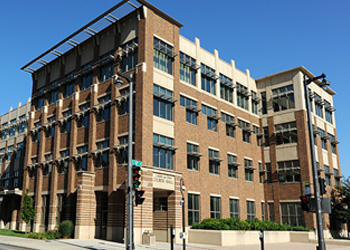
Student pay dates are listed on the Student Payroll Calendar. Paychecks for students not signed up for Direct Deposit are distributed by the individual supervisors. Paychecks for students who are employed by off-campus FWS employers may be picked up in the Payroll Department, Straz Tower, 175.
If you are employed in more than one position, you will receive only one paycheck. Different positions and rates of pay are not broken out on your paycheck. However, you are compensated for each position and rate of pay designated on each processed salary authorization. All checks not picked up by the Friday immediately following the student payday will be returned to the Payroll Office
If you expected a paycheck but it was not available, talk to your supervisor immediately. Your paycheck will be delayed until the following pay day if the salary paperwork or timesheet was submitted late. You will still be paid for all of the hours that you worked.
The Marquette University Student Employment Services is one of the units within the Office of Student Financial Aid and has the following responsibilities: